FROM SAVED TO UNDERSTOOD
Pinster AI
Save ideas. Find understanding.
Bring links, documents, images, and notes into one knowledge library. Let AI help you organize what you save, summarize key ideas, and rediscover the information you need.
iPhone · iPad
Capture more than bookmarks
Save links, documents, images, and notes. Import bookmarks from Safari and Chrome, or save from Chrome and Firefox with browser extensions.
Let your library take shape
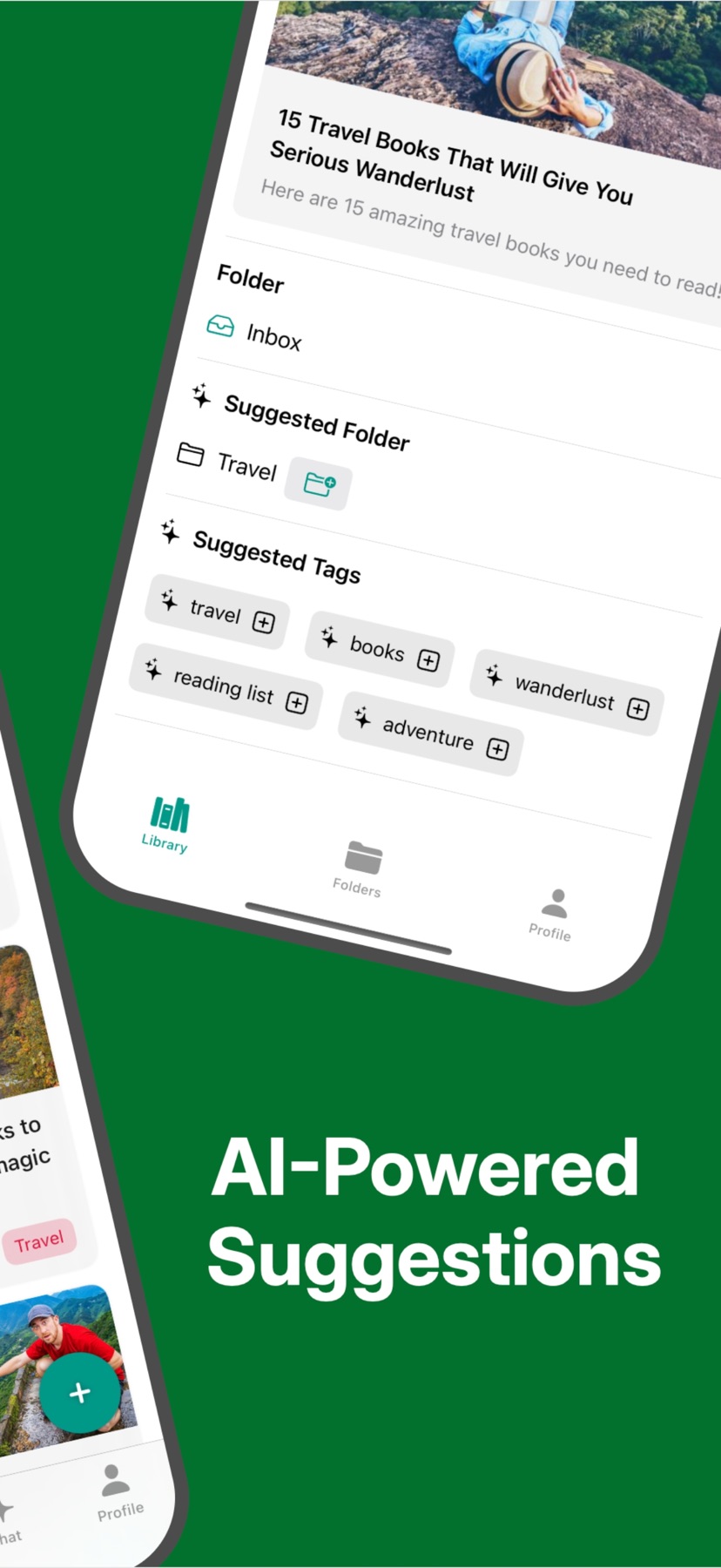
Get AI suggestions for tags and folders based on your categories, with clean Markdown versions and a distraction-free reader.
Get to the key ideas
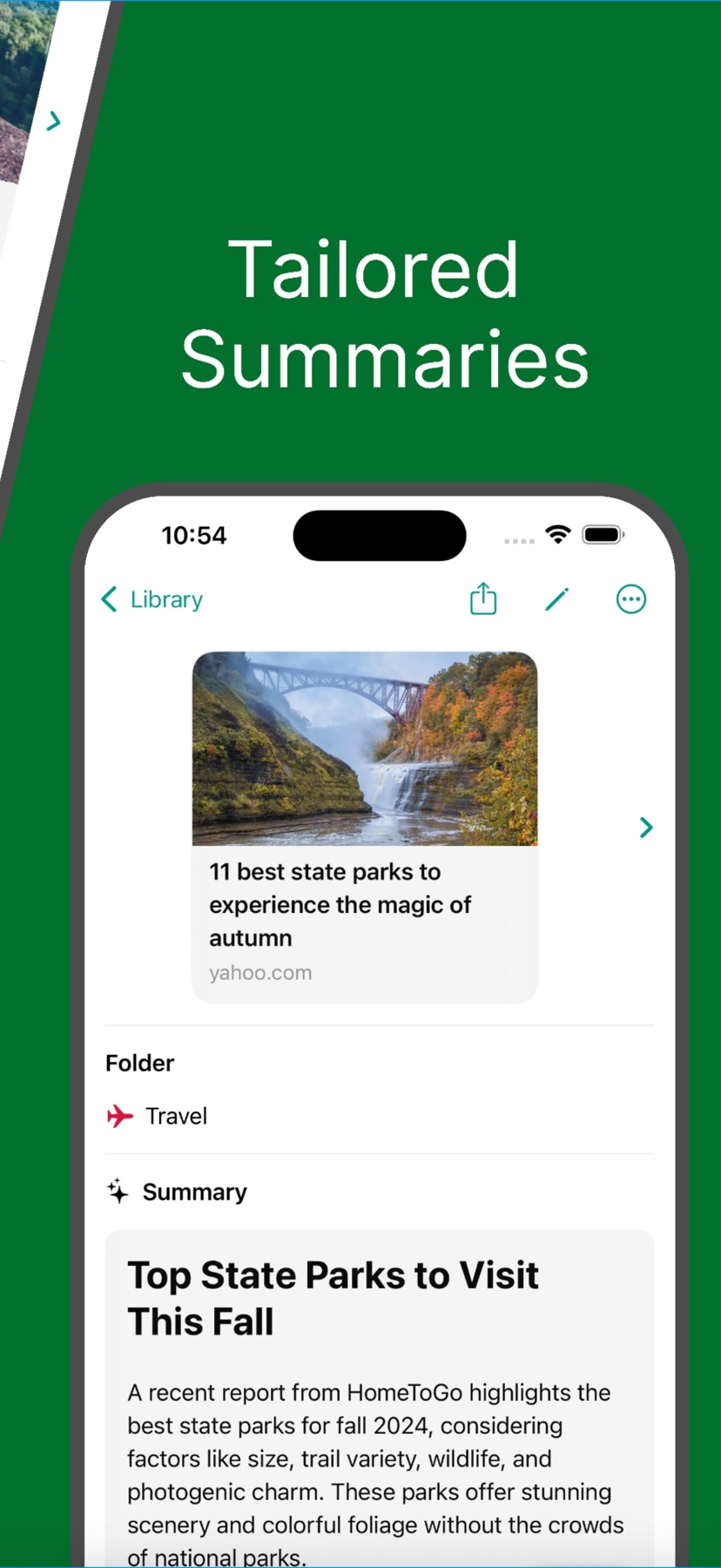
Use AI summaries for web pages, PDFs, and articles, or ask questions about saved content with Chat with Library.
Return to what matters
Receive scheduled daily, weekly, or monthly bookmark digests in text and audio, with reminders and sync across devices.
A closer look
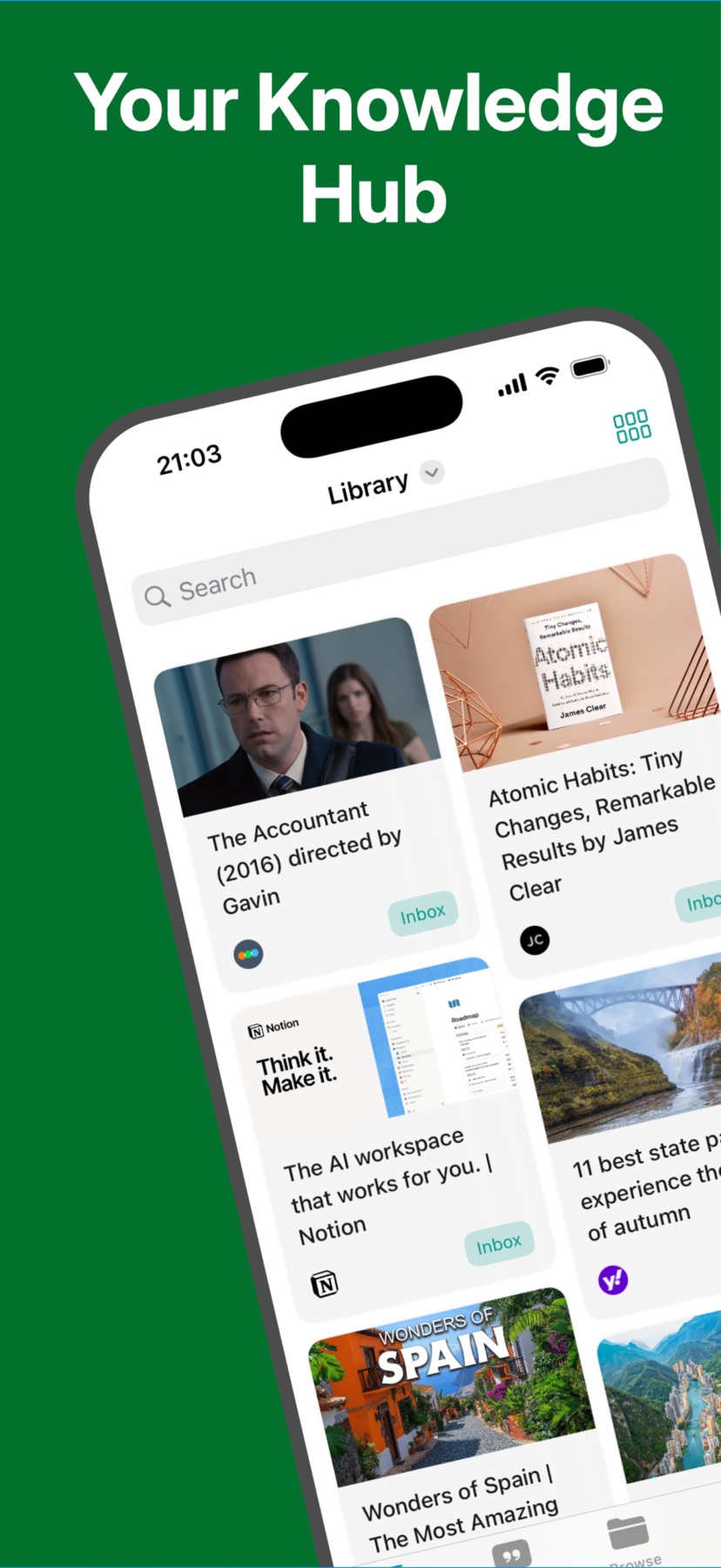
Explore Pinster AI in these screenshots from the App Store.
A few things to know
What can I save?
Web links, documents, images, and notes. You can also upload PDFs from the app or its Share Extension.
Can I bring existing bookmarks?
Yes. Pinster supports importing bookmarks from Safari and Chrome. Browser extensions are available for Chrome and Firefox.
Where can I learn more or get help?
Visit pinster.io for more about Pinster, or use its dedicated support page. Check the App Store listing for current compatibility and in-app purchase details.