
A QUIETER MESSAGES INBOX
SMSniper
Your messages. Your rules.
Take control of SMS filtering on iPhone. Build rules around senders, words, and phrases, test them before use, and sort eligible messages into the categories that work for you.
iPhone
Rules that fit your inbox
Match senders, message text, or both. Use case-sensitive matching and regular expressions when you need more precise control.
Allow, filter, or sort
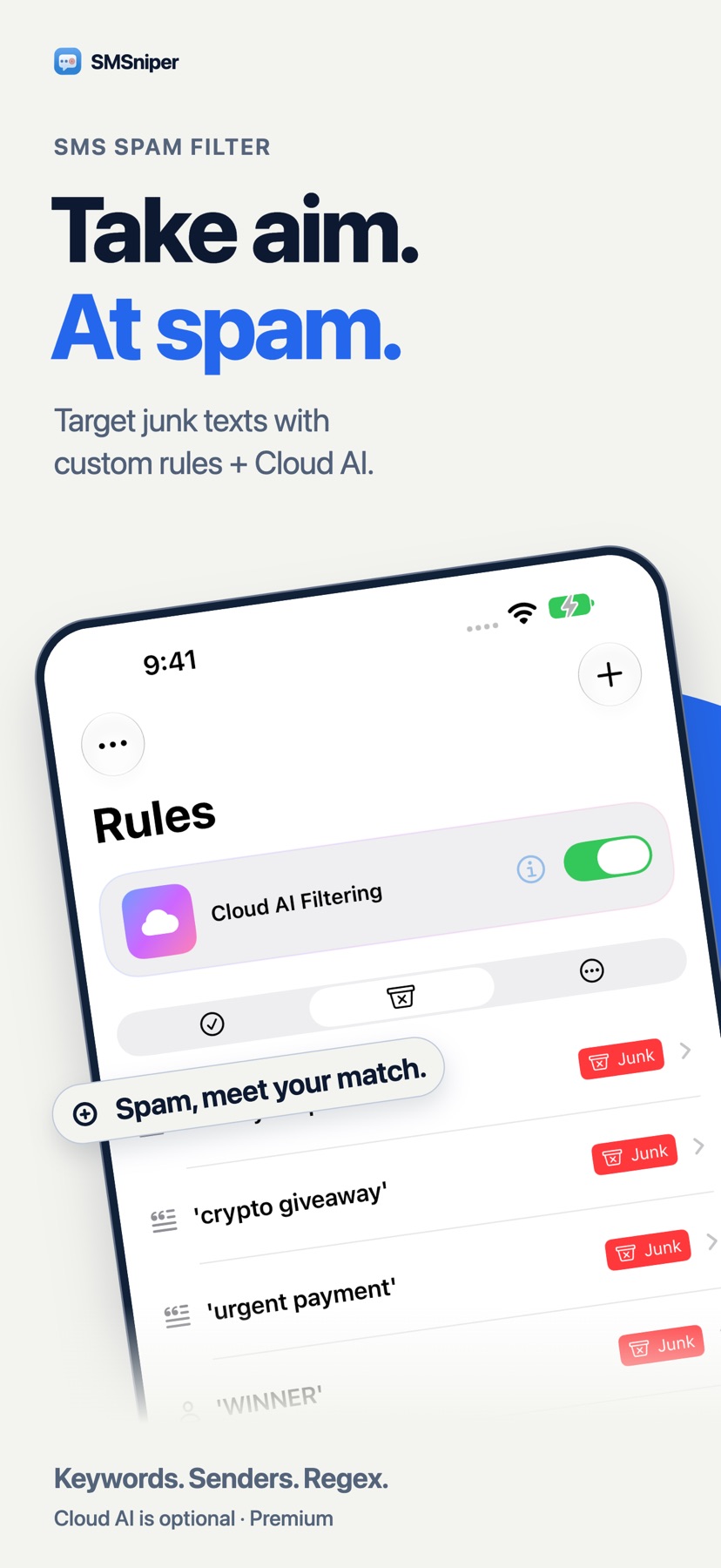
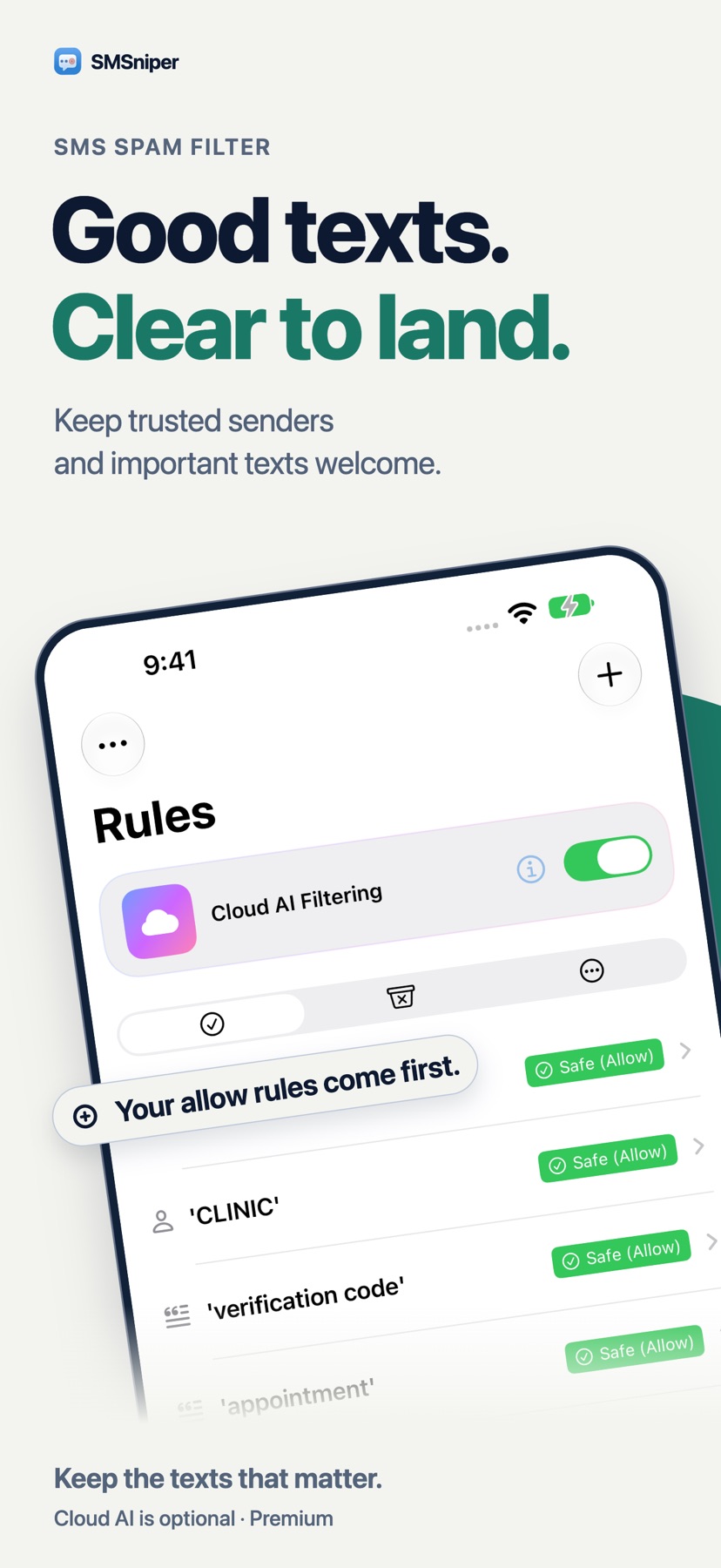
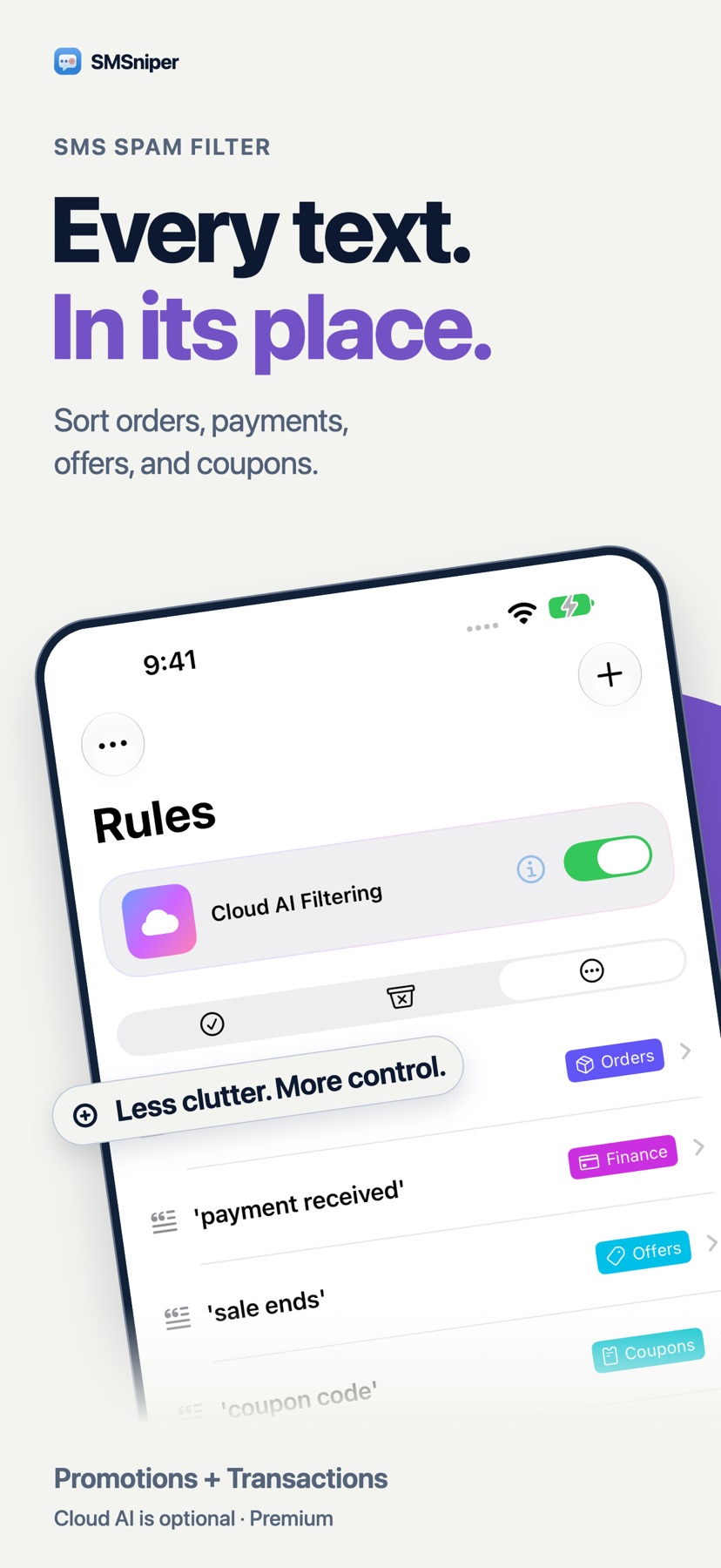
Allow messages you want, or sort matches into Junk, Promotions, and Transactions, with supported subcategories.
Test before you trust
Try a sender and message inside the app to see how your rules respond before relying on them.
Optional Cloud AI
Local rules run first. With your consent, Cloud AI can classify messages that do not match a local rule. It is off by default and can be disabled at any time.
A closer look
Explore SMSniper in these screenshots from the App Store.
A few things to know
How do I enable SMSniper?
Enable SMSniper in your iPhone’s message filtering settings. iOS determines which messages are eligible for filtering and which categories are available.
What is included for free?
Create up to 10 rules for free. Pro unlocks unlimited rules with a one-time purchase. Pro AI adds optional Cloud AI Filtering through monthly, yearly, or lifetime options. Current prices and availability appear in the app.
What is sent to Cloud AI?
Only messages that no local rule matches, including their sender and text, are sent over an encrypted connection to our classification service on Cloudflare’s global network. Processing may occur outside your country. Classification can make mistakes, so review filtered messages regularly. If Cloud AI cannot return a classification, SMSniper returns no filtering decision.